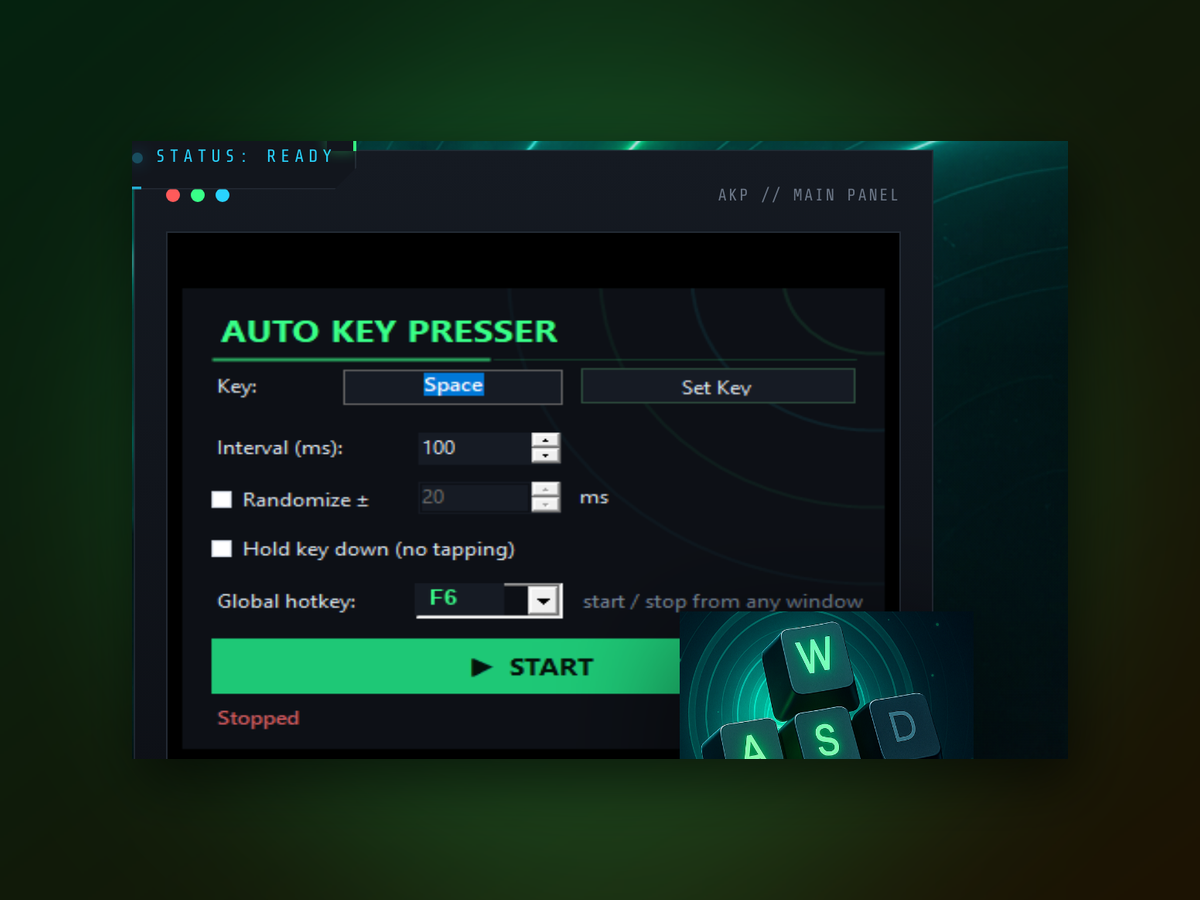
Does Auto Keyboard work in games?The utility sends keyboard input to whichever window has focus. Some games block automated input for fairness; check your game's terms before using macros in competitive play.
Can I share macros between computers?Yes. Auto Keyboard stores macros in configuration files you can copy to another PC or share with colleagues for consistent automation across machines.
What happens if two hotkeys conflict?Auto Keyboard lets you assign the same hotkey to different macros. The most recently triggered macro takes priority, so plan your shortcuts to avoid overlaps.
Is there a limit to macro length?You can build macros with hundreds of keystrokes. Practical limits depend on your system resources, but typical sequences run without issue.
Will Auto Keyboard slow down my computer?No. The utility uses minimal CPU and memory when idle, and only activates when you trigger a hotkey. It doesn't run background processes constantly.
Can I pause or disable macros temporarily?Yes. You can enable or disable individual macros from the main window, or close Auto Keyboard entirely to stop all automation.
Does it log or store what I type?No. Auto Keyboard only stores the macros you explicitly create. It doesn't monitor, log, or transmit any keystroke data outside your system.